Proud partner

Proud partner
Article


You’ve no doubt landed on one yourself at some point: the 404 page. This 404 (not found) error is an HTTP status code indicating that a particular page does not exist or cannot be found. You might end up here, for example, by entering the URL incorrectly or clicking on an outdated link. As a user, it’s naturally quite frustrating not to find what you’re looking for straight away, so preventing 404 pages is therefore of great importance as a website administrator – not only for your visitors but also for your own ranking on Google.
A 404 Not Found error is a Hypertext Transfer Protocol (HTTP) status code indicating that a web browser can connect to the servers but that the requested page cannot be accessed. 404 error messages are by far the most common HTTP errors and simply indicate that the page in question does not exist.
There are various ways in which a 404 ‘Page Not Found’ error can occur on your website. The most common reason, however, is that you have changed a page’s URL and have not set up a redirect from the old URL to the new one. In other words: you have not configured the redirect from the old page correctly. Of course, it can also happen that a visitor makes a typing error in the URL, resulting in a page being requested that does not exist and never has existed. There’s obviously nothing you can do about that. But if the fault lies with faulty website technology, it’s advisable to rectify this as soon as possible.

Depending on the tool you use, 404 pages are usually clearly mapped out. With paid tools such as Ahrefs, SEMRush or Screaming Frog, you can keep track of any 404 errors on your website.
Has a 404 error been detected on your website? If so, make sure you add the correct redirect. A redirect channels the page value of the 404 to a page that does exist. For example, have you recently changed a URL? If so, don’t forget to set up a redirect on the old URL so that your visitors don’t get an error message.
No matter how closely you monitor your tools, a 404 error can still occur. If a visitor types in an incorrect URL, there’s simply nothing you can do about it. What you can do, however, is pay sufficient attention to the layout and content of your 404 page to help visitors continue their journey on your website.
For example, by offering suggestions, you encourage visitors to click through to a page that does exist. For example, include links to the five most visited pages on your website to help visitors find what they’re looking for. Whatever you decide to do with your 404 page, always ensure that there is at least some content there. Don’t give your visitors an excuse to leave your website.
Some companies transform 404 pages into true works of art. You don’t need to go that far, of course, but a little attention never goes amiss. Be inspired by the following examples!
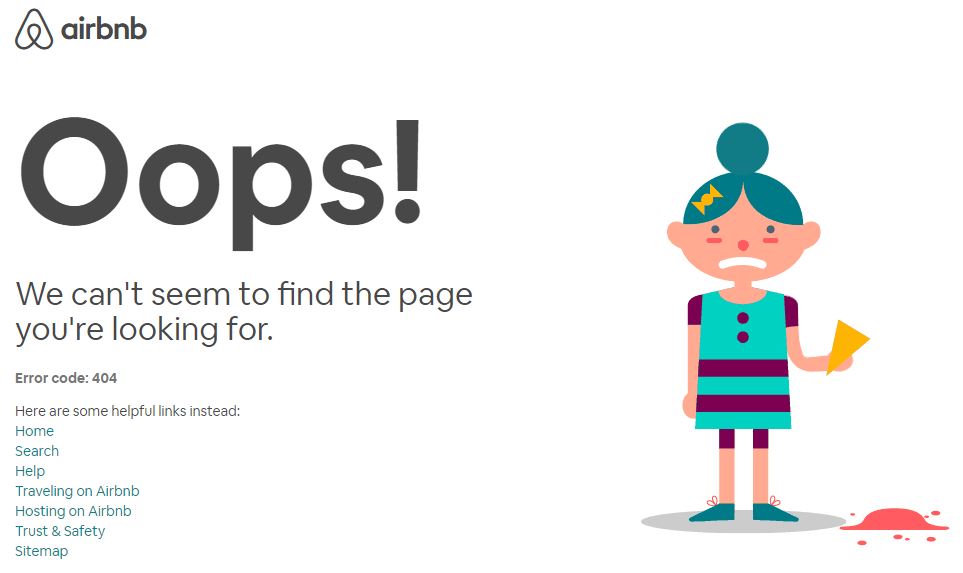
Simple yet effective – that’s Airbnb’s 404 page. The animated character adds a little something extra to the page but doesn’t distract from the links it contains, which serve as suggestions for the lost visitor.
View the 404 here: Airbnb
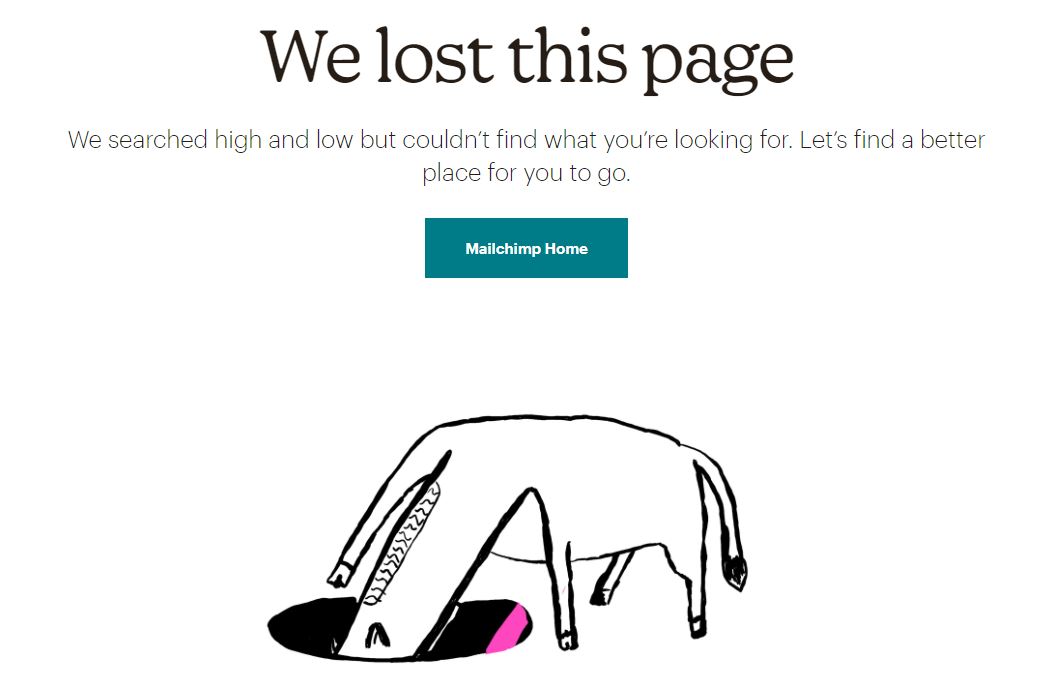
Mailchimp also understands that it’s best to keep the 404 page simple yet stylish. The text on this page also ties in nicely with the visuals. Putting a little smile on your visitor’s face never does any harm!
View the 404 here: Mailchimp
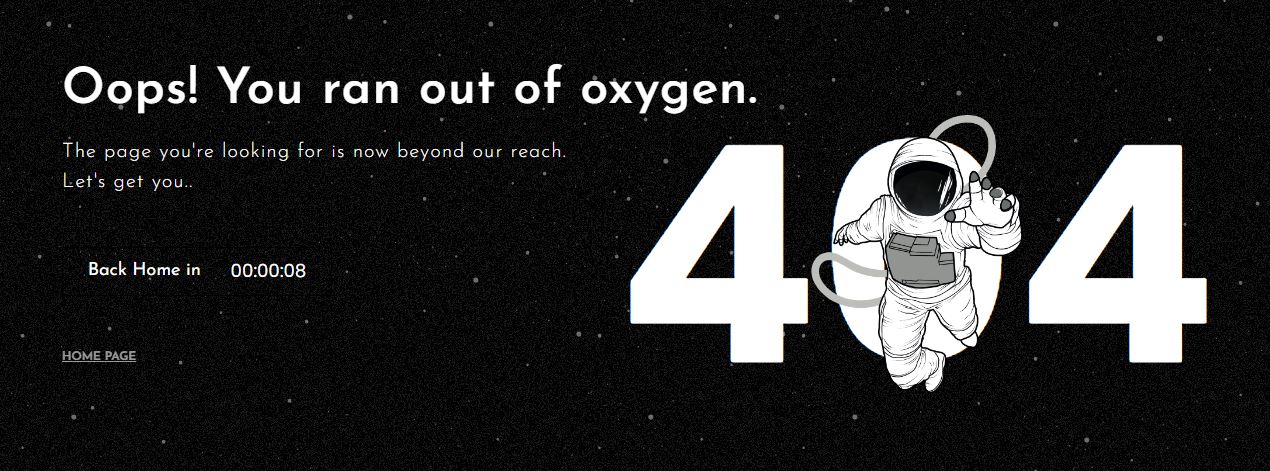
There’s a good chance that a visitor wasn’t specifically looking for your 404 page. There’s an equally good chance that they’d like to return to pages on your website that do contain the information they’re looking for. The American creative agency Mantra Labs, for example, uses an original approach to redirect lost visitors back to the home page as soon as they land on a 404 page.
View the 404 here: Mantra Labs
With a fun piece of text or an image that ties in with your own sector or business, you can turn your 404 ‘page not found’ error into a clever opportunity. Take Pixar’s 404 page, for example. Here, visitors are told that the page they’re looking for may have been accidentally moved to long-term memory – as is the case with many things in the popular Pixar film *Inside Out*.

View the 404 here: Pixar
You can prevent a 404 error by ensuring your redirects are properly set up and by not leaving any old links in place. But there are some things you simply cannot control. Such as when a visitor makes a typo in the URL. At times like these, having a well-organised 404 page is crucial! So be creative and make something attractive out of it. Then there’s a good chance your visitors might even appreciate the error message.
As well as resolving and preventing 404 errors, there are many other factors to consider if you have a website. These include search engine optimisation, a sound online strategy and more. Traffic Today specialises in this field, and together we’ll work on driving your business’s online growth!
Get in touch with us to find out more about the possibilities!




Our team is
ready to help you