Proud partner

Proud partner
Article
Summary


Have you ever wondered where businesses update their profile on Google? The answer is Google My Business! Google My Business helps businesses improve their online visibility, communicate their opening hours and appear on Google Maps.
Fortunately, the basics of the programme are straightforward, and numerous features enable businesses to engage more effectively with customers and leads. In this blog, we discuss 12 essential features within Google My Business and how they can contribute to a successful online marketing strategy.
Google My Business is a free tool from Google that enables businesses to manage their online presence and local visibility. It enables businesses to display their business details, such as address, opening hours and contact details, in Google’s search results. It also offers options to add photos, reviews, posts and much more. We’ll tell you more about it!
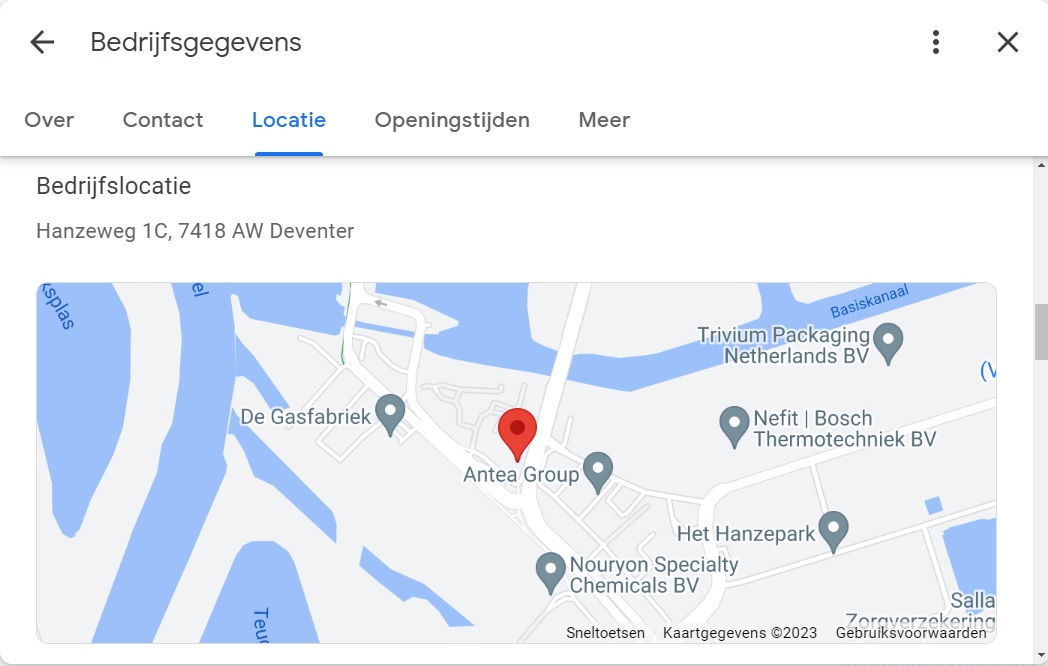
When you log in to Google My Business (as it’s known in English) for the first time, you’ll notice that 12 dots are visible. The ‘Edit profile’ feature is one such example. Your SEO-optimised description of your business, opening date, location, opening hours and contact details: all of this can be edited within Google My Business!
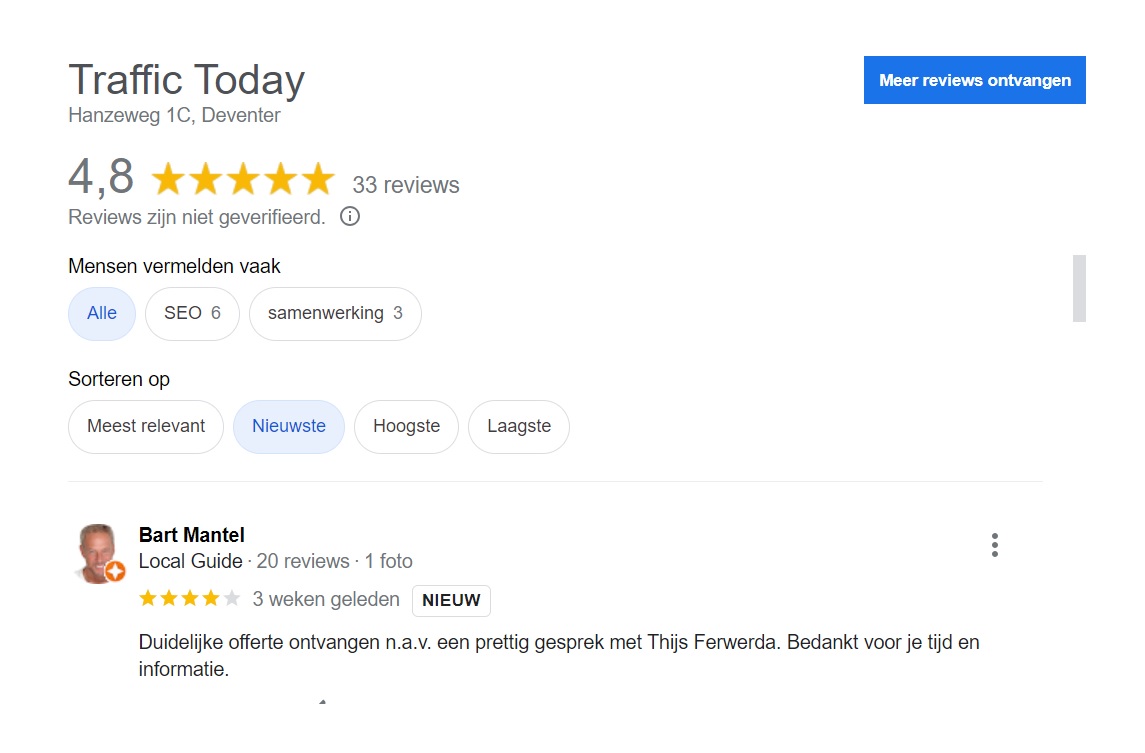
The average client rating is easy to find under the ‘Read reviews’ heading. In this section, you can sort the reviews by relevance, recency and rating. You can also see what your clients have to say here.
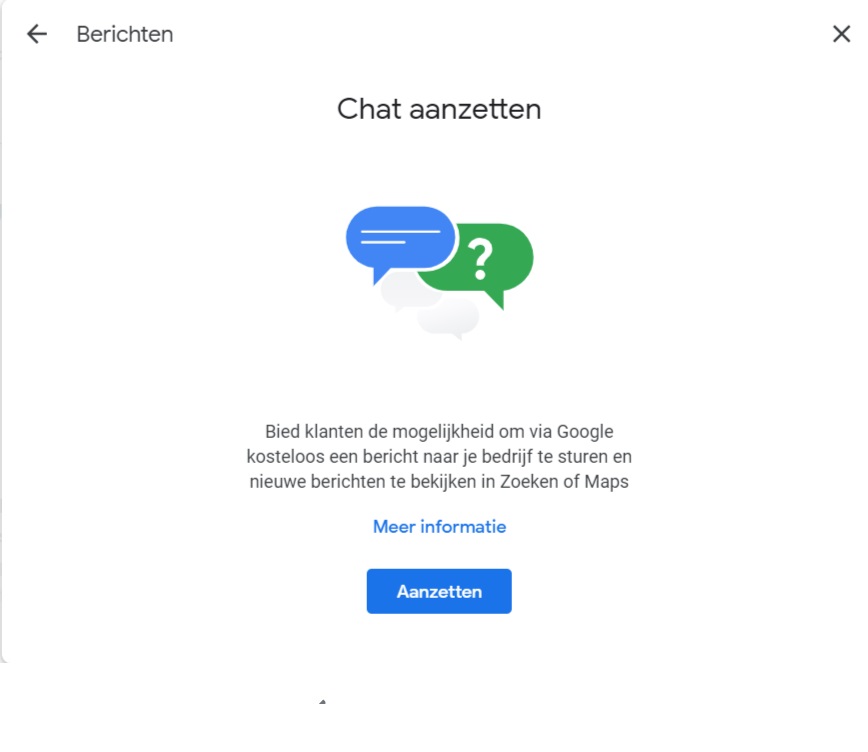
Another useful feature of Google My Business is the ability to let your customers chat with you. Anyone with access to your Google My Business profile can reply to these messages. It even allows you to share photos in the chat.
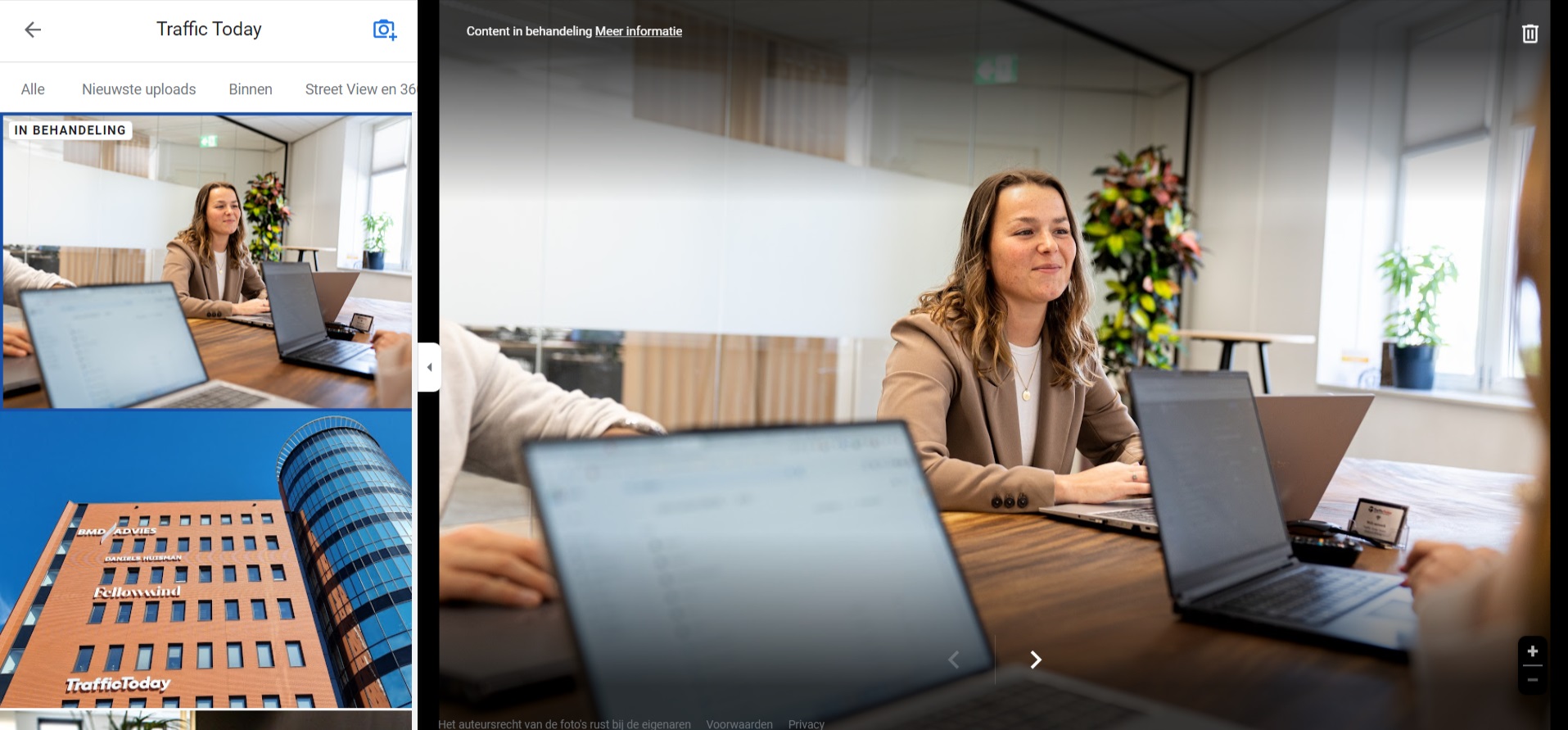
Photos play a crucial role in attracting potential customers. With Google My Business, you can easily add photos of your business, products or services. These photos are displayed on your business profile and can help customers get a better idea of what you have to offer, the atmosphere in your department and what the outside of your premises looks like.
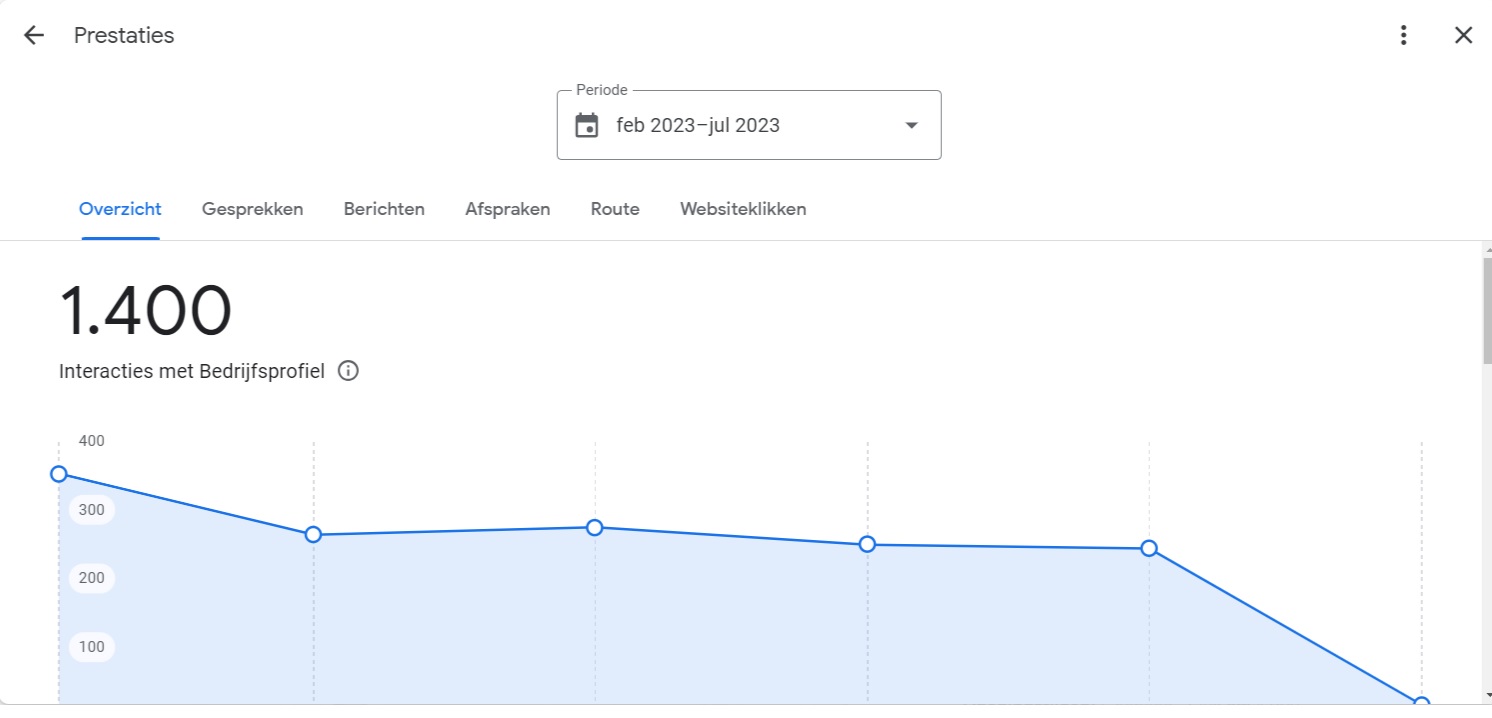
The ‘Performance’ feature in Google My Business naturally allows you to gain insight into how your business profile is performing. Here, ‘interaction’ is the key KPI. In Google My Business, we define interactions as the number of calls made via the telephone number, messages sent, appointments made, directions requested and clicks on the website. You set the time period yourself!
With Google My Business, you can also create adverts to promote your business. These adverts appear in search results when people search for related products or services. By advertising via Google My Business, you can increase your visibility and reach potential customers at the very moment they are actively searching for what you offer. With a simple click of a button, you’ll be taken straight to the Google Ads interface.
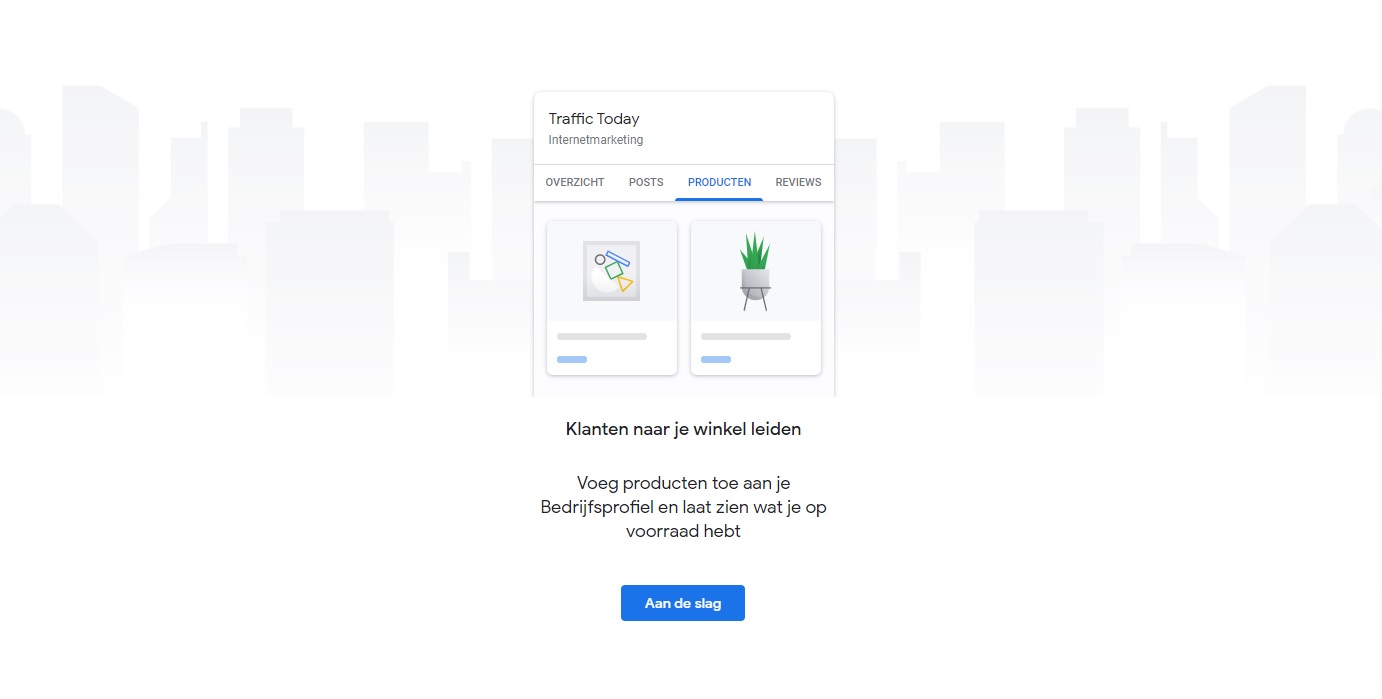
If you sell products, you can easily edit and manage them in Google My Business. Potential customers will find your products more easily and have a clearer idea of what you can offer them.
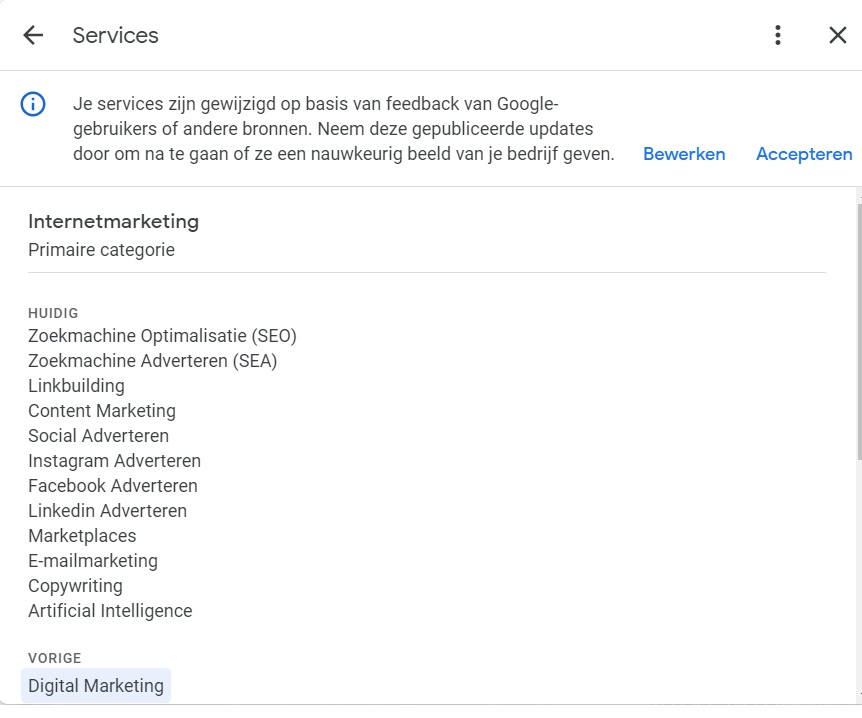
Your company’s services may change, expand or become outdated. This menu allows you to update your company’s services. One of the reasons why you shouldn’t take this too lightly is that it improves your visibility on Google.
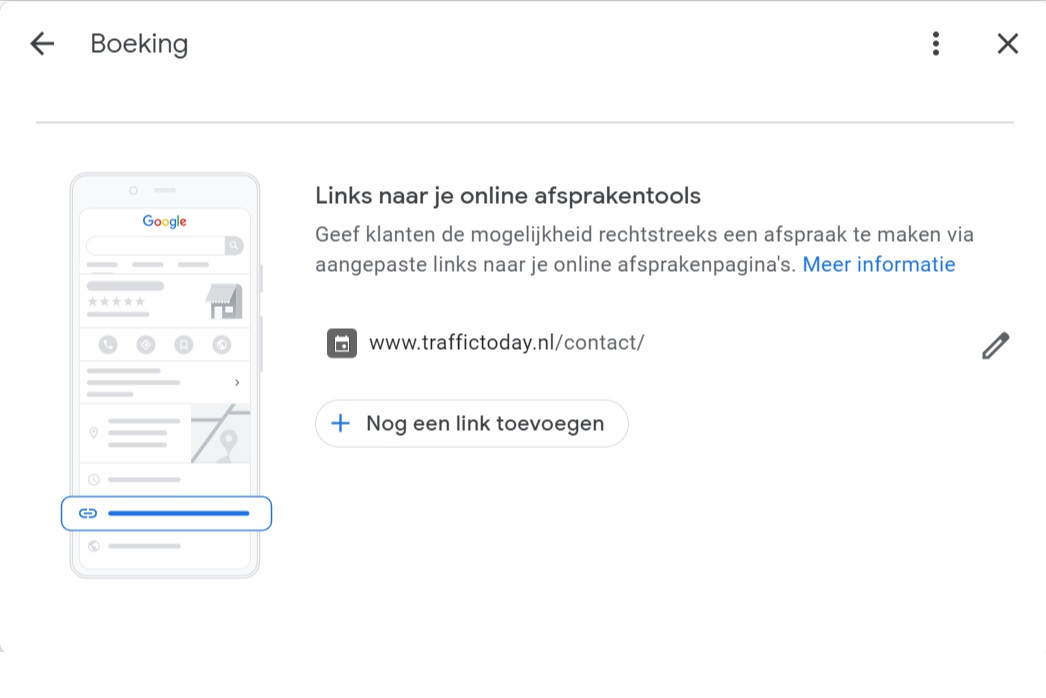
The appointment booking feature is particularly useful for hairdressers, nail salons, restaurants and similar businesses. Behind this feature, you can add a link to a business page, allowing customers to find a suitable time to visit you at the touch of a button.
The ‘Q&A’ feature allows clients to ask questions about your business. You can answer these questions. This interactive feature enables clients to obtain more information and can help to allay any potential concerns. By actively participating in the Q&A sessions, you can build trust with customers and help them make a decision. What’s more, the effort you put into this pays off handsomely, as other customers can also view these exchanges.

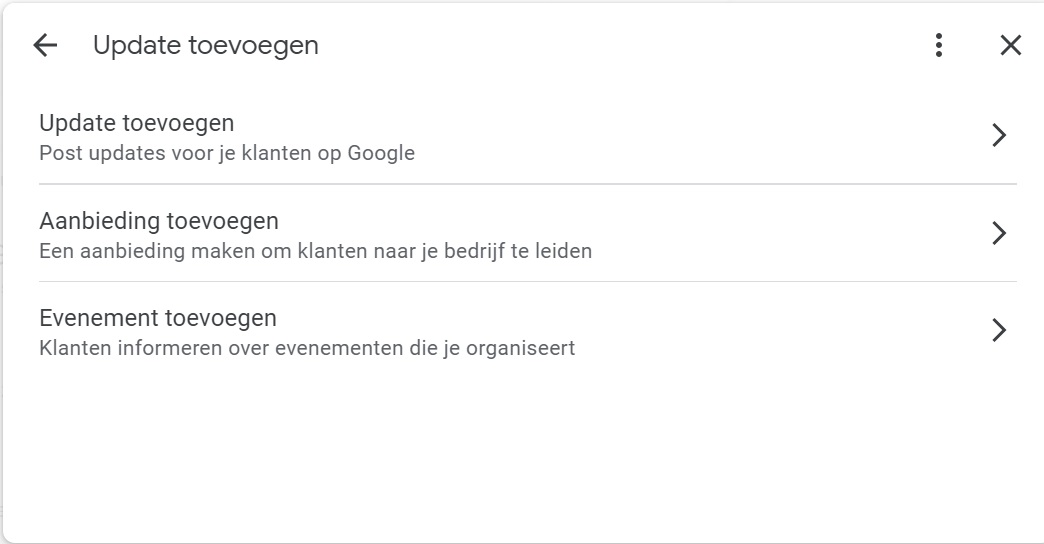
Using the ‘Add an update’ feature in Google My Business, you can share important news updates with your customers. This could be a general update, a temporary summer or winter offer, or an event they can attend. This way, customers are always the first to know what’s going on with your business!
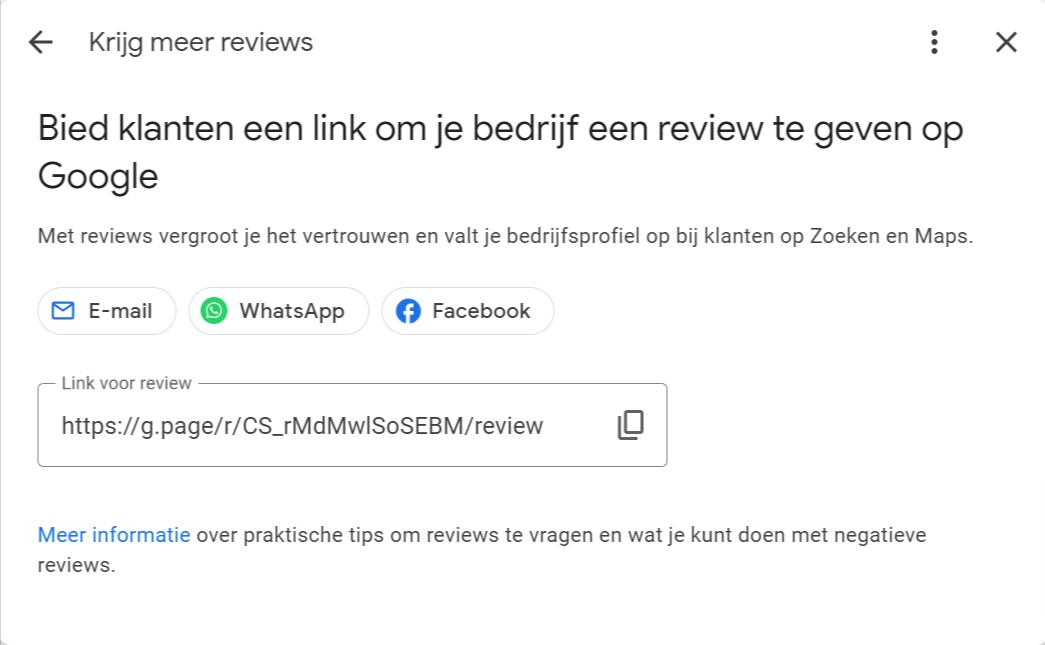
Reviews are an important part of your online reputation. With Google My Business, you can actively ask customers to leave a review. A handy share button for WhatsApp, Facebook and email is integrated, but you can also simply copy the link.
If you need help managing your Google My Business account or optimising your online marketing strategy, please do not hesitate to contact Traffic Today. Our team of experts is on hand to help you and advise you on how to get the most out of your ‘Google My Business’ account.




Our team is
ready to help you